Typical LDC Scenario
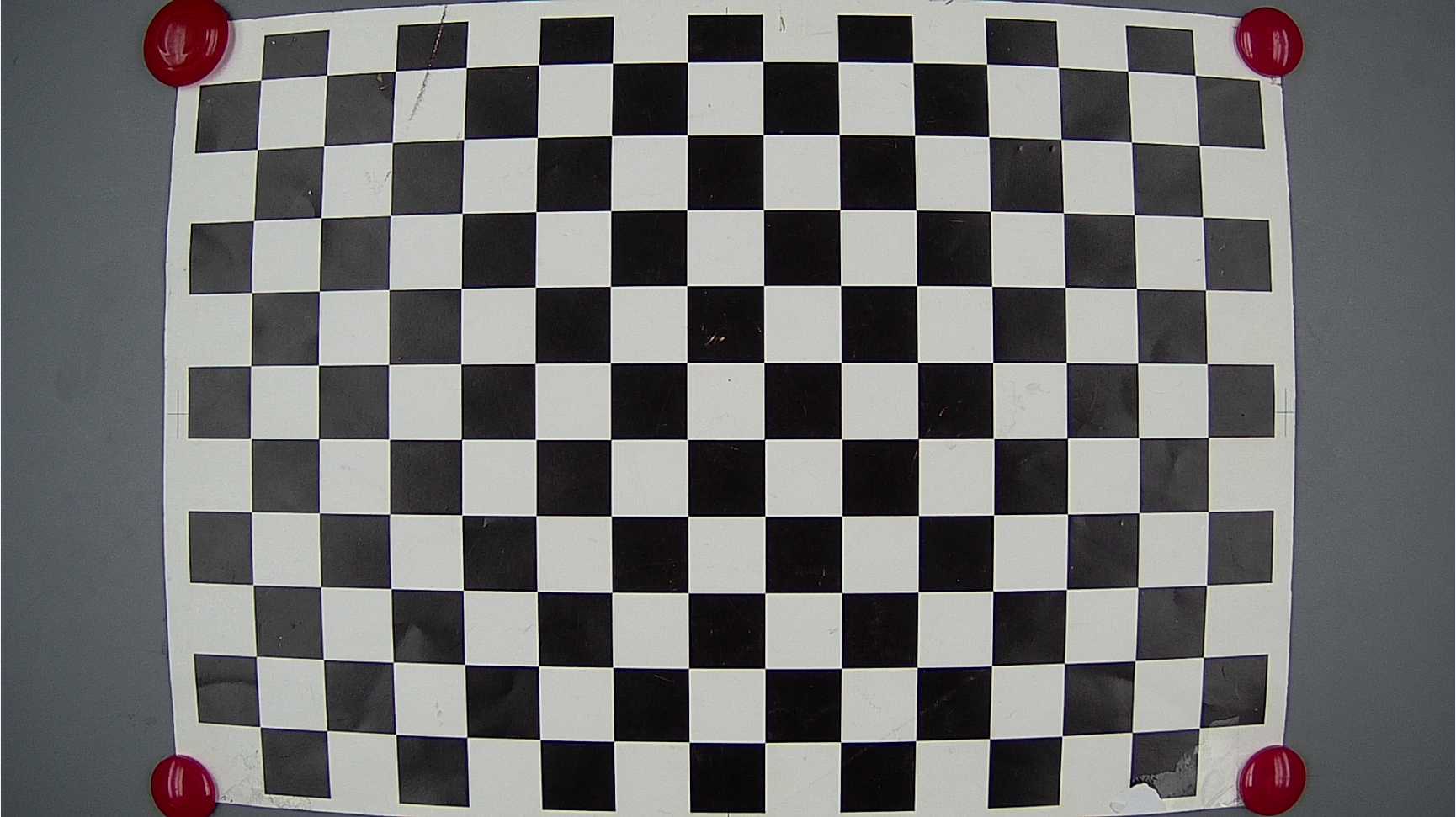
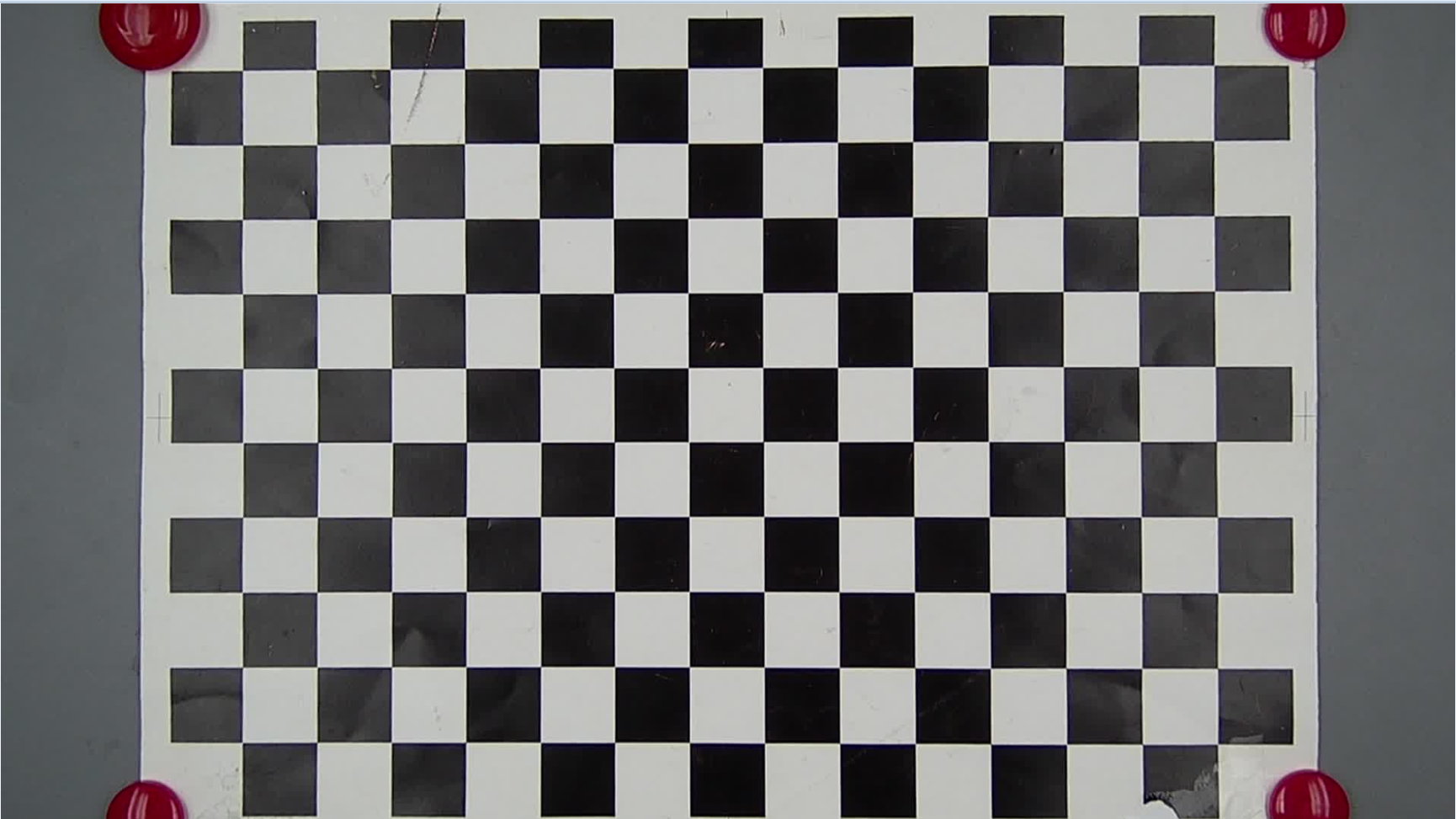
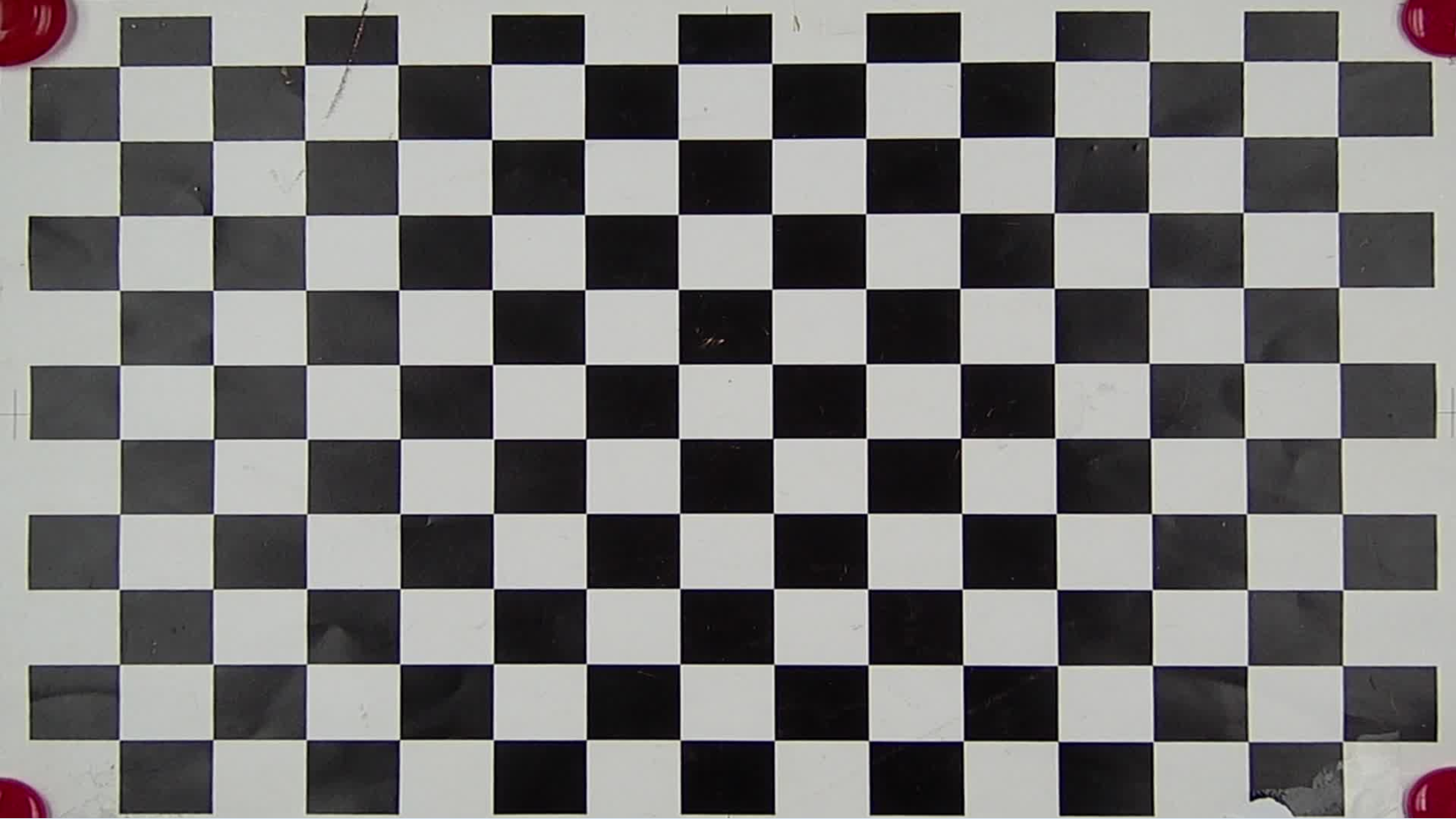
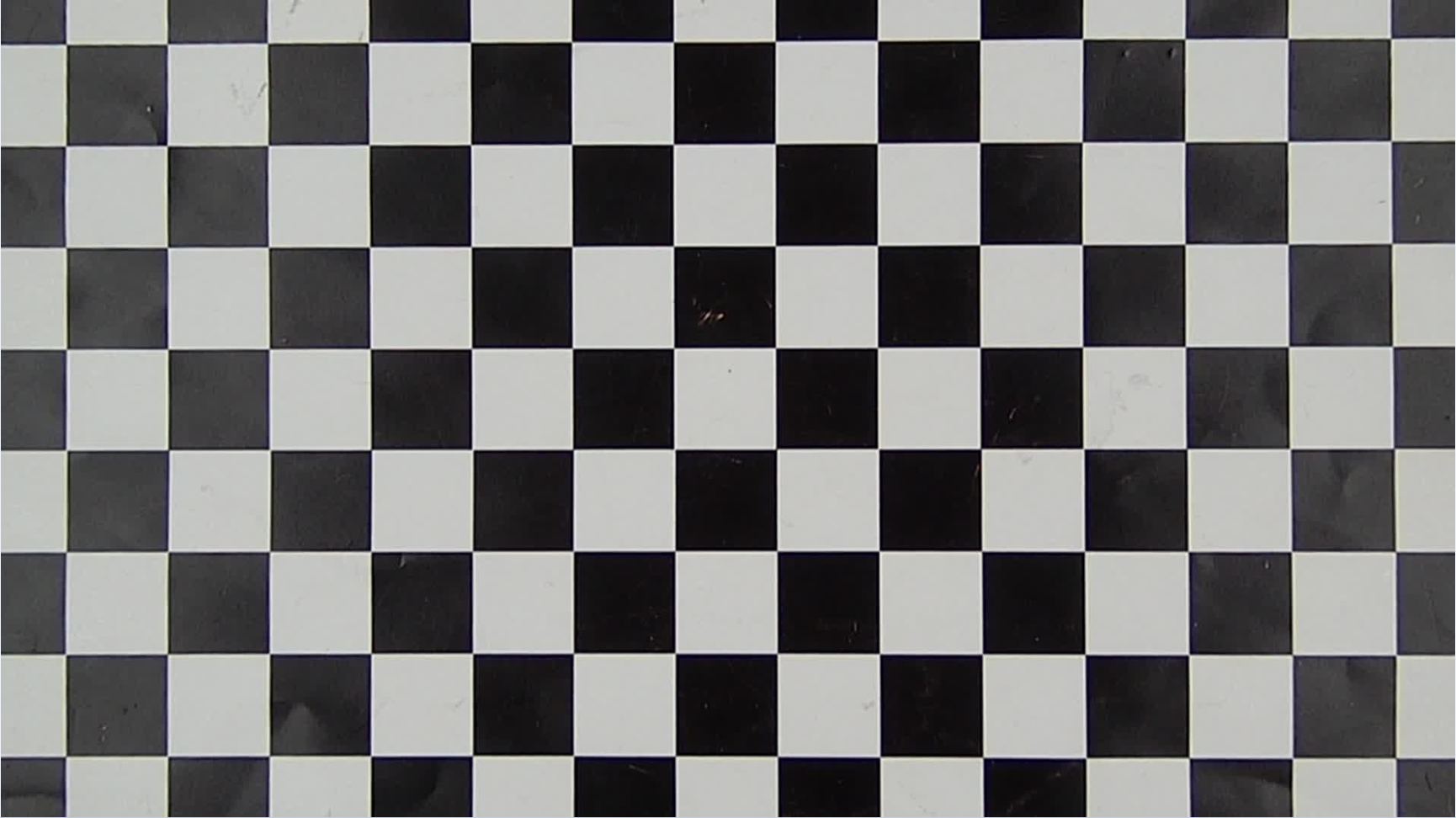
Example of Barrel Distortion Correction
|
Parameter |
Value |
Demonstration |
|---|---|---|
|
Typical configurations: Overlap the distortion center and image center. Maintain the aspect ratio. Maintain the maximum FoV. |
center_x_offset / center_y_offset =0 distortion_ratio =70 aspect = 1 xy_ratio = 100 x_ratio = 100 y_ratio = 100 |
Before correction:
|
|
After correction:
|
||
|
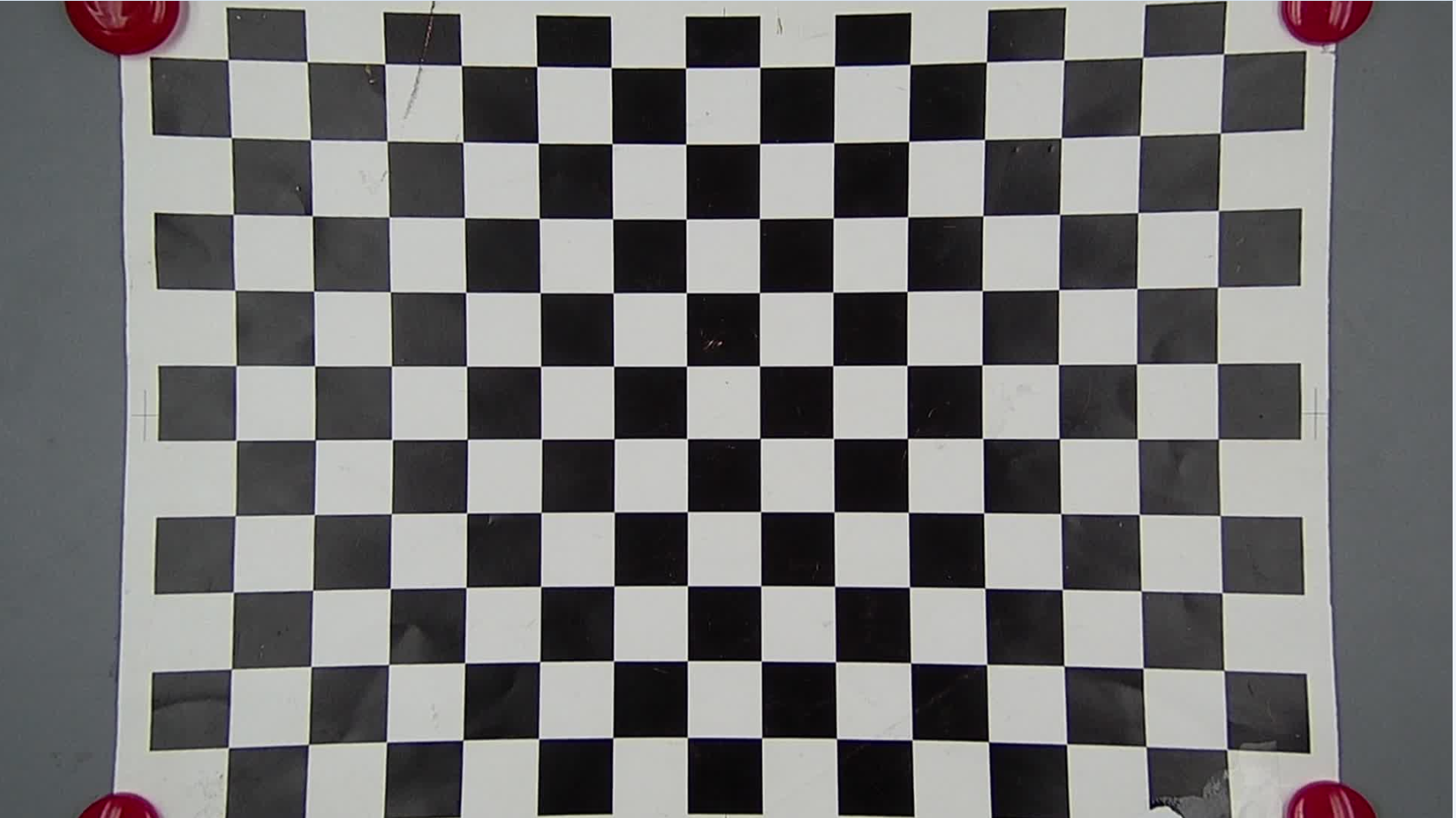
distortion_ratio: correction strength A larger value indicates lower correction strength. |
distortion_ratio =110 |
The correction strength is too high, causing pincushion deformation.
|
|
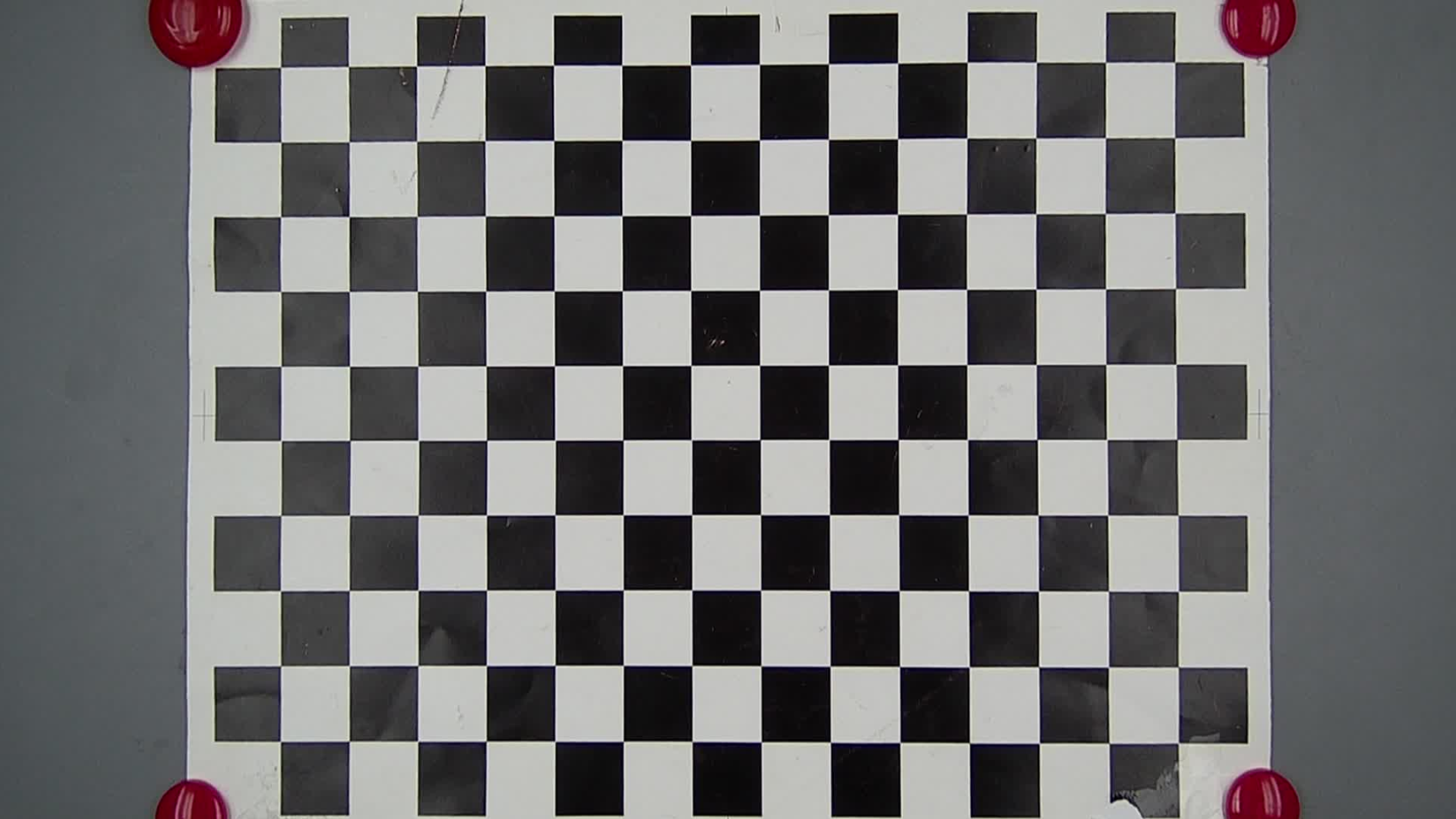
aspect: whether to reserve the aspect ratio 1: Reserve the aspect ratio. 0: Change the aspect ratio, while keeping the maximum FoV unchanged. |
aspect = 0 distortion_ratio =70 |
The aspect ratio is changed while the maximum FoV is not. The square checkerboard is compressed into a rectangle.
|
|
aspect = 0, x_ratio/y_ratio enabled
Note: The value 100 indicates that the maximum FoV is reserved, and the value 0 indicates that 2/3 of the maximum FoV is reserved. |
aspect = 0 x_ratio = 20 |
|
|
aspect = 1 xy_ratio = 20 |
|
Example of Pincushion Distortion Correction
|
Parameter |
Value |
Demonstration |
|---|---|---|
|
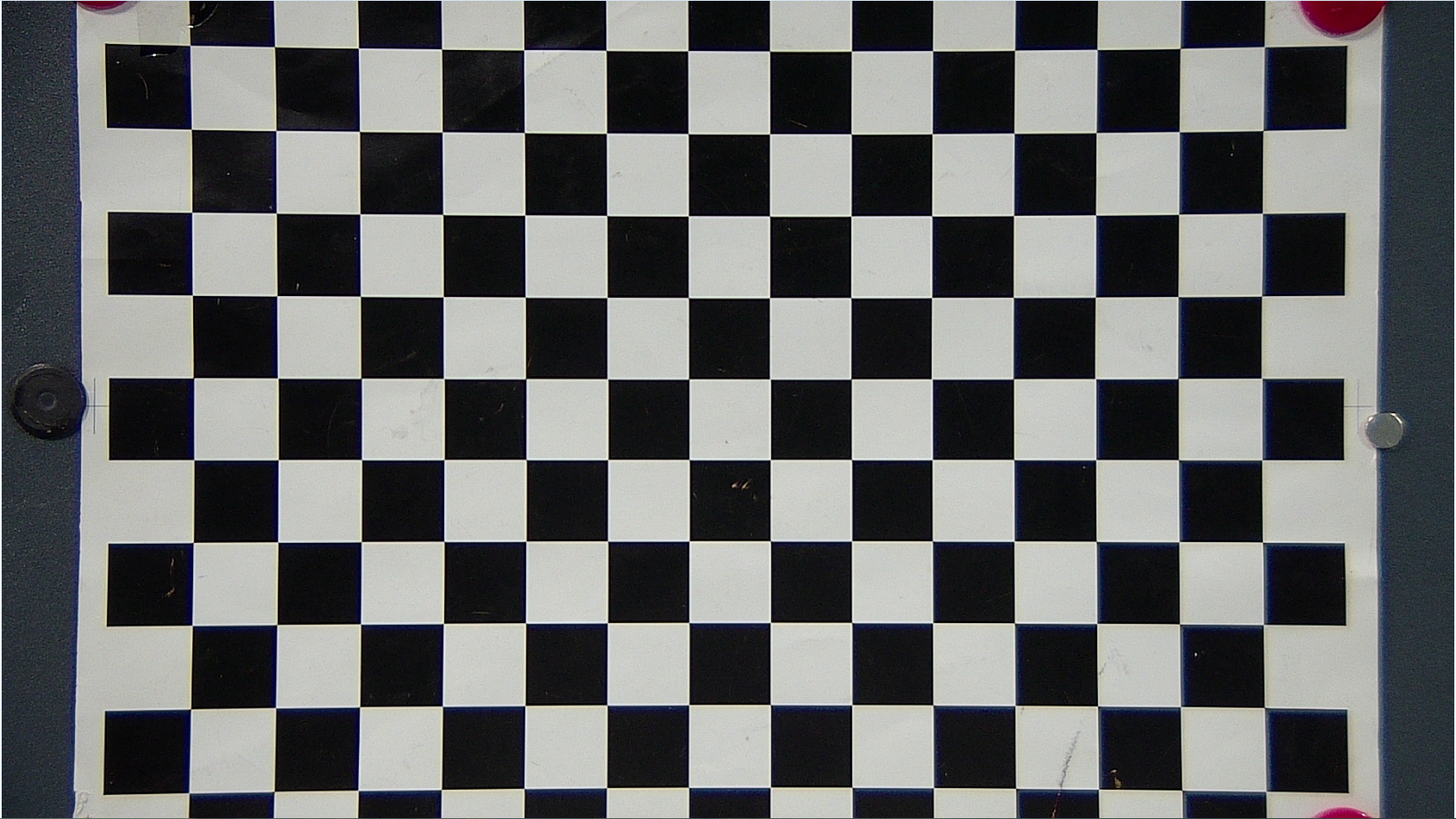
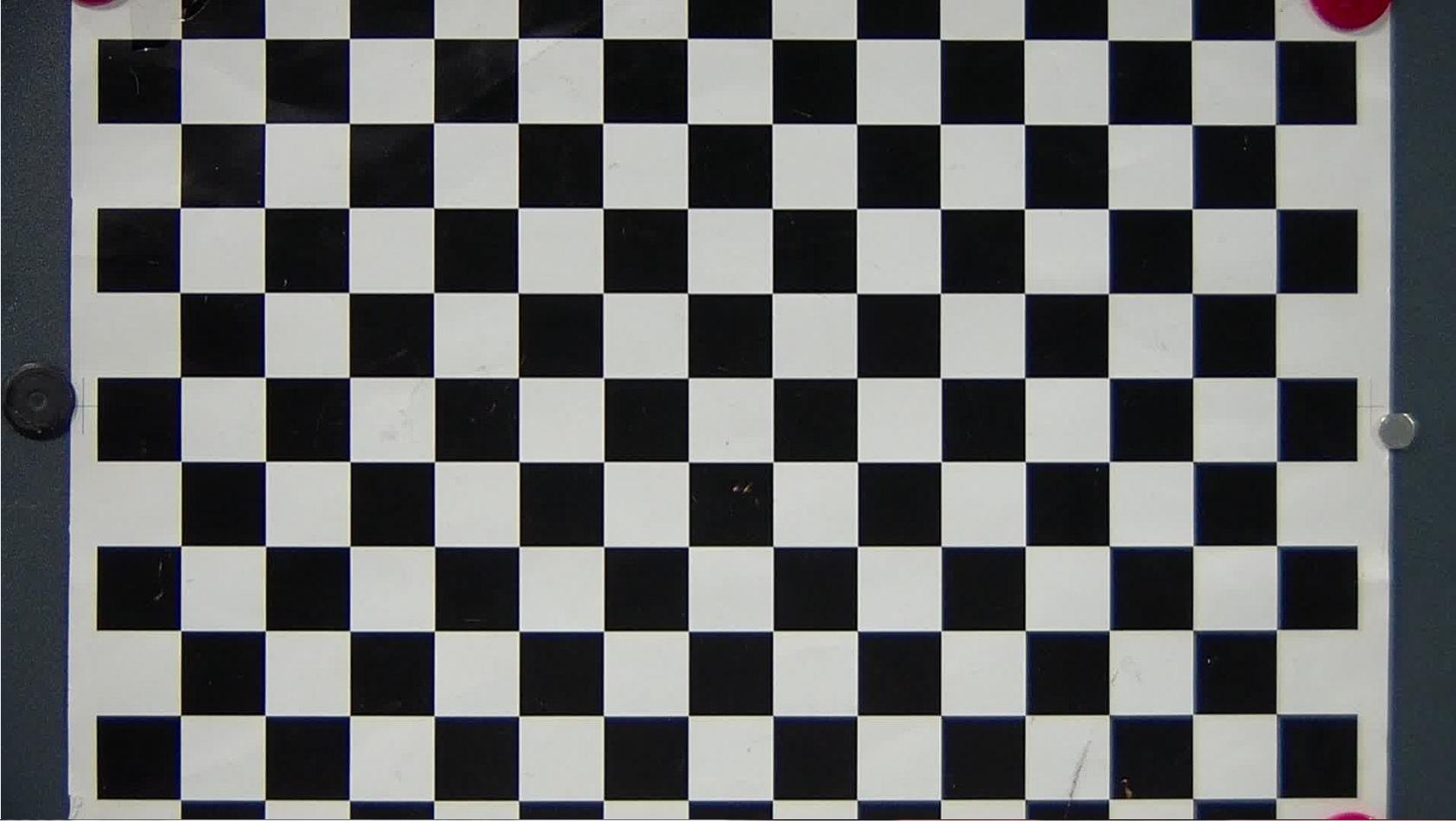
Typical configurations: Overlap the distortion center and image center. Maintain the aspect ratio. Maintain the maximum FoV. |
center_x_offset / center_y_offset =0 distortion_ratio = -40 aspect = 1 xy_ratio = 100 x_ratio = 100 y_ratio = 100 |
Before correction:
After correction:
|

- For details about the tuning effect of aspect, x_ratio, y_ratio, and xy_ratio, see the barrel correction example.
- The LDC may stretch or compress the image geometrically. When the input image has obvious noise, the noise grains around the image may become bigger after the barrel distortion correction (the surrounding area is stretched).