Creating a UDF Using Annotations
Development Process
The following figure shows the process of developing a UDF using annotations.
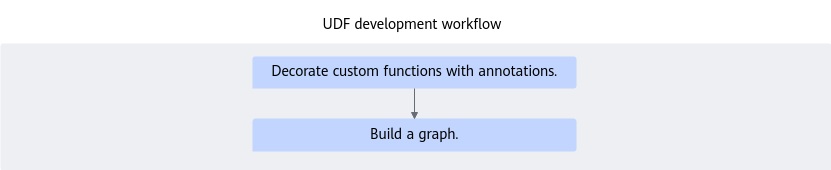
Creating a UDF
The following uses a function that implements the add function as an example to describe how to create a UDF using the dataflow.pyflow and dataflow.method annotations.
1 2 3 4 5 6 7 8 9 10 11 12 13 | import dataflow as df # Use pyflow annotations to decorate a common function and build the common function as a UDF. @df.pyflow() def add(a, b): return a + b # Decorate the class with the pyflow annotation and its methods with the method annotation to construct the class methods as UDFs @df.pyflow class Add(): @df.method() def add(self, a, b): return a + b |
Constructing a FlowGraph
After UDFs are constructed using annotations, use the fnode method to construct FlowNodes and FlowGraphs. The following is an example:
1 2 3 4 5 6 7 8 9 10 11 12 13 14 | # Define inputs. data0 = df.FlowData() data1 = df.FlowData() # Define FlowNodes. flow_node0 = add.fnode() flow_node1 = Add.fnode() # Construct edge connections. flow_node0_out = flow_node0(data0, data1) flow_node1_out = flow_node1.add(flow_node0_out, data1) # Construct FlowGraphs. dag = df.FlowGraph([flow_node1_out]) |
Parent topic: UDF Development Process